3MF vs STL: Which File Should You Send Your Printer?
You finish a model, hit export, and the dialog offers you STL and 3MF. Every article written since about 2019 says 3MF is the better format, and they are right about the format. They are frequently wrong about your situation, because the correct answer depends less on the file and more on who is opening it.
This is written for people sending a model to someone else to print. It covers what each format can and cannot carry, the units bug that causes most of the real-world failures, measured file sizes rather than hand-waved ones, and the case for sending a third format entirely.
Should you send a 3MF or an STL to a 3D printing service?
Send 3MF when you know the service accepts it. It records units, colour, materials and multiple objects in one file, and it is far smaller: the same 502,600-triangle mesh measured 24.0 MB as binary STL and 3.5 MB as 3MF. Send STL when you are unsure, because every printing service on earth reads it.
Last verified: July 2026
Key takeaways
- •STL stores only triangles. It has no field for units, colour, materials, object grouping or metadata of any kind.
- •3MF, published by the 3MF Consortium in 2015, is a ZIP package of XML that declares units explicitly and can hold multiple objects, colours, materials and slicer settings.
- •Binary STL costs exactly 50 bytes per triangle plus an 84-byte header, so a one-million-triangle model is a 47.7 MB file.
- •Measured on the same 502,600-triangle mesh: ASCII STL 121.7 MB, binary STL 24.0 MB, 3MF 3.5 MB.
- •A .3mf saved as a slicer project is not the same thing as a plain 3MF exported from CAD, and the extension does not tell them apart.
What Each Format Actually Stores
STL dates to 1987 and 3D Systems' original stereolithography machines. It was designed to feed one machine one part, and it does that with admirable economy: a list of triangles, each with three vertices and a normal vector nobody trusts. There is no header for units, no colour, no way to say "these forty triangles are a separate object", and no place to record who made the file or what it is.
3MF was published in 2015 by the 3MF Consortium, whose founding members included Microsoft, HP, Autodesk, Dassault Systemes, Netfabb, SLM Solutions and Shapeways alongside the two companies that invented the processes STL was written for, 3D Systems and Stratasys. Structurally it is a ZIP archive containing XML, in the same family as .docx. That gives it room to carry things STL cannot represent at all.
| Can it store | STL | 3MF |
|---|---|---|
| Triangle geometry | Yes | Yes |
| Explicit units | No, the receiver guesses | Yes, declared in the model element |
| Colour and texture | No | Yes |
| Multiple objects and their positions | No, everything is one soup of triangles | Yes, with per-object transforms |
| Materials per object | No | Yes |
| Slicer settings and supports | No | Yes, via vendor extensions |
| Universal acceptance | Yes, this is its remaining advantage | Broad on desktop FDM, patchier on industrial systems |
Capabilities per the published STL format description and the 3MF Consortium core specification, July 2026.
The Units Problem Is the One That Actually Bites
An STL file contains bare numbers with no statement of what they mean. A vertex at x=2.5 might be 2.5 millimetres or 2.5 inches, and the file has no opinion. Every piece of software that opens it applies its own default, and almost all slicers default to millimetres.
So when a CAD package exports in inches, the resulting model arrives 25.4 times too small. The reverse happens too, and a part meant to be 60mm across turns up wanting a 1.5 metre build volume. This is by a wide margin the most common file problem a print service sees, and it costs a round of messages every time.
3MF removes the ambiguity by declaring the unit in the model element itself. That is a genuine improvement, and it is the strongest single argument for the format.
It is not a substitute for saying it out loud, though. Whatever format you send, put one real dimension in your message: "the flange should measure 62mm across". A maker can check that against the file in ten seconds, and it catches scale errors that no format prevents, such as a model that was drawn at the wrong scale in the first place. Our guide on preparing a 3D model for printing covers the rest of the pre-flight checks.
File Size, Measured Rather Than Guessed
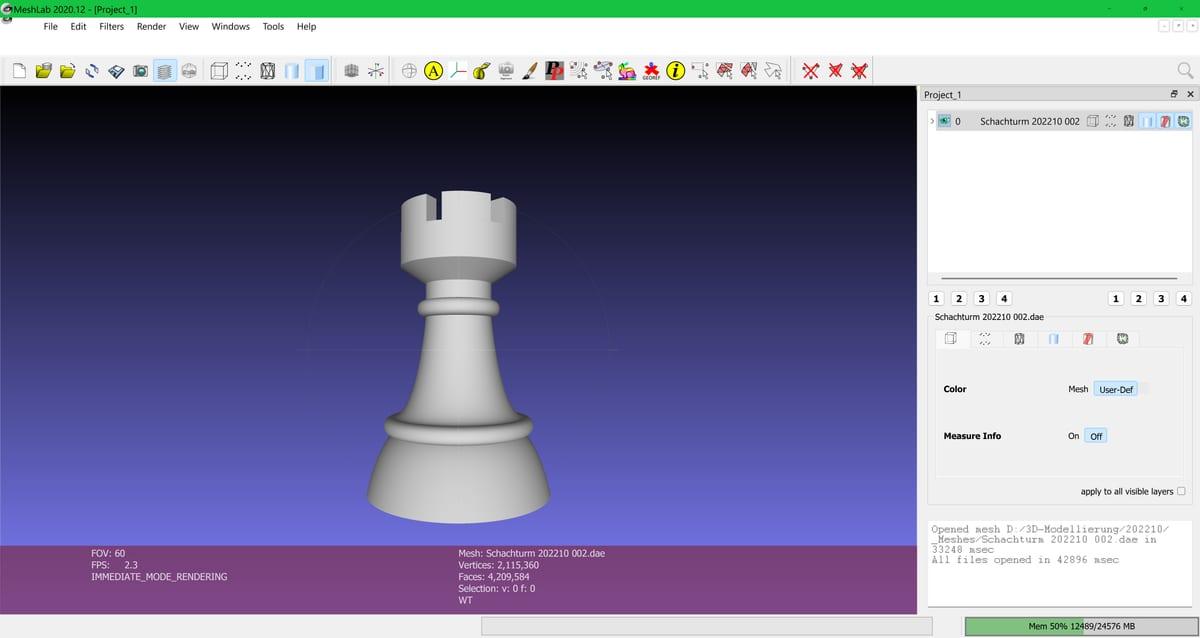
Binary STL has a fixed cost per triangle, which makes its size entirely predictable: an 84-byte header plus 50 bytes for every triangle. No compression, no vertex sharing, so each vertex is written out once for every triangle that touches it, typically six times over.
Binary STL file size by triangle count
Binary STL grows at exactly 50 bytes per triangle, so a one-million-triangle scan or sculpt is a 47.7 MB file before any compression.
| triangles | File size (MB) |
|---|---|
| 50k | 2.4 MB |
| 100k | 4.8 MB |
| 250k | 11.9 MB |
| 500k | 23.8 MB |
| 1M | 47.7 MB |
| 2M | 95.4 MB |
Source: Calculated directly from the binary STL specification, July 2026
3MF avoids both wastes. It writes each vertex once and refers to it by index, then deflates the whole XML inside the ZIP container. To put a real number on it, we wrote the same 502,600-triangle sphere mesh out to all three formats and measured the results.
Same mesh, three formats: measured file size
Written from the identical 502,600-triangle mesh, ASCII STL came to 121.7 MB, binary STL to 24.0 MB and 3MF to 3.5 MB, making the 3MF roughly seven times smaller than the binary STL and thirty-five times smaller than the ASCII one.
| format | File size (MB) |
|---|---|
| ASCII STL | 121.7 MB |
| Binary STL | 24 MB |
| 3MF | 3.5 MB |
Source: Measured by 3D Print Bounty, August 2026: one 502,600-triangle UV sphere written to binary STL (84-byte header plus 50 bytes per facet), ASCII STL in the conventional six-significant-figure layout (254 bytes per facet) and a minimal 3MF core package at default deflate compression. Sizes in MB of 1,048,576 bytes
Two caveats on that ratio. It varies with mesh complexity, and a model that is mostly large flat faces compresses better than a dense organic scan. The ASCII figure varies too, because it depends on how many digits the exporter writes per coordinate; ours averaged 254 bytes per facet against binary's fixed 50. And ASCII STL, the worst of the three, is still what some older CAD tools export by default. If your STL is unexpectedly enormous, open it in a text editor. If you can read words in it, re-export as binary and cut it by about 80 percent for free.
The .3mf Trap: Project Files Are Not Plain 3MF
This catches people constantly. When you hit save in PrusaSlicer, OrcaSlicer or Bambu Studio, you get a .3mf. When you export a model from Fusion or Onshape, you also get a .3mf. They are not the same thing, and the extension does not tell you which is which.
A slicer project file is a 3MF with vendor extensions embedded: a specific printer profile, a specific nozzle size, filament selections, manual support placement, paint-on settings and modifier meshes. Handed to a maker running a different machine, all of that is either wrong or has to be stripped. Some slicers will import it and silently apply your printer profile to their printer, which is the worst outcome available.
There is a good use for one. If you have already tuned a print on the same model of machine the maker runs, sending the project saves them real work. Otherwise send a plain model export and describe what you want in words. Either way, say in your message which of the two you attached.
For Functional Parts, Send STEP As Well
Both STL and 3MF are mesh formats. They describe a surface approximated by flat triangles, and in doing so they throw away the design that produced it. A 20mm hole becomes a polygon with some number of sides, and nobody downstream can tell whether you meant 20mm or 19.8mm.
STEP files (.step or .stp) store exact boundary representation geometry: real cylinders, real planes, real fillets. That matters when a part has to fit something. If your bore comes out 0.3mm tight for a bearing, a maker with a STEP file can adjust the feature and re-export. With only a mesh, they either scale the whole part, which breaks every other dimension, or remodel it and charge you for the time.
The practical rule: decorative and artistic models go as 3MF or STL, and functional engineered parts go as STEP plus a mesh as a fallback. If your CAD tool can export STEP, include it. It costs nothing and occasionally saves the entire job.
If you are working from files you did not create and have no CAD source at all, our guide on what to do with STL files when you have no printer covers the options.
What to Actually Send
| Your situation | Send this |
|---|---|
| Decorative model, desktop FDM service | 3MF. Smaller, unambiguous units, and every mainstream slicer reads it. |
| You do not know what the service accepts | Binary STL, and offer 3MF in the message. Nothing gets delayed by a format question. |
| Functional part that must fit something | STEP plus an STL or 3MF. The STEP is what makes tolerance adjustments possible. |
| Multi-part assembly | One 3MF with the objects named, or separate STLs with clear filenames. Never one merged STL. |
| Multicolour print | 3MF, since STL cannot represent colour at all. Say which colour goes where anyway. |
| Industrial process: SLS, MJF, metal | STL or STEP. Industrial workflows are conservative and 3MF support is less consistent there. |
Whichever you pick, add three lines of text alongside it: one real dimension with units, the material you want, and the face that matters most for finish. Those three lines prevent more failed prints than any file format ever will.
Frequently asked questions
Is 3MF better than STL?
For sending a model to a print service, usually yes. 3MF records units, colour, materials, multiple objects and their positions, none of which STL can store. It is also far smaller: the same 502,600-triangle mesh measured 24.0 MB as a binary STL and 3.5 MB as a 3MF. STL wins only on universal compatibility.
Why does my STL import at the wrong size?
Because STL has no unit field. The file stores bare numbers, and the receiving software guesses. If your CAD exported in inches and the slicer assumes millimetres, the model arrives 25.4 times too small. 3MF fixes this by declaring the unit explicitly, but you should still state one real dimension in your message.
Do 3D printing services accept 3MF files?
Most desktop-FDM services do, because every mainstream slicer has read 3MF for years. Industrial bureaus running SLS, MJF or metal processes are more conservative and often still ask for STL or STEP. When you do not know what a service accepts, send STL and offer 3MF, and nothing gets delayed.
What is the difference between a 3MF and a slicer project file?
A slicer project saved from PrusaSlicer, OrcaSlicer or Bambu Studio is also named .3mf but carries vendor extensions holding a specific printer profile, filament choice and support placement. A maker on different hardware has to strip all of it. Say which kind you are sending, because the file extension does not distinguish them.
Should I send a STEP file instead?
For functional engineered parts, yes, alongside a mesh. STEP stores exact boundary geometry rather than triangles, so a maker can widen a hole by 0.2mm for a press fit or add a fillet without remodelling. Neither STL nor 3MF permits that, because both discard the design intent and keep only the surface.
Send Your File, Get Quotes
Upload an STL, 3MF or STEP with one stated dimension, and makers will bid on the job. If something is wrong with the file, they will tell you before anything gets printed, and your payment stays in escrow until you approve photos of the finished part.