3D Printing Tutorials: Beginner to Advanced
Learning 3D printing can feel overwhelming with so many technologies, materials, and techniques to master. But with the right 3D printing tutorials, anyone can go from complete beginner to confident maker. Whether you're unboxing your first printer or looking to level up your skills, this guide organizes everything you need to learn into a clear progression.
We've compiled tutorials for every skill level - from your very first print to advanced techniques like multi-material printing and designing for manufacturability. Plus, we'll point you to the best free learning resources available online.
Beginner Tutorials: Your First Steps
Just starting out? These fundamentals will get you from unboxing to successful prints:
1. Choosing Your First 3D Printer
The right first printer depends on your goals, budget, and space. Most beginners start with FDM (filament) printers for their simplicity and low material costs.
- - Budget: Entry-level FDM printers start at $150-250
- - Build volume: How big do you want to print?
- - Enclosed vs open: Important for certain materials
- - Brand support: Community and parts availability
2. Understanding Slicing Software
Slicers convert 3D models into instructions your printer understands. Learning slicer basics is essential before your first print.
- - PrusaSlicer (FDM)
- - Cura by Ultimaker (FDM)
- - Chitubox (Resin)
- - Bambu Studio (Bambu printers)
- - Layer height
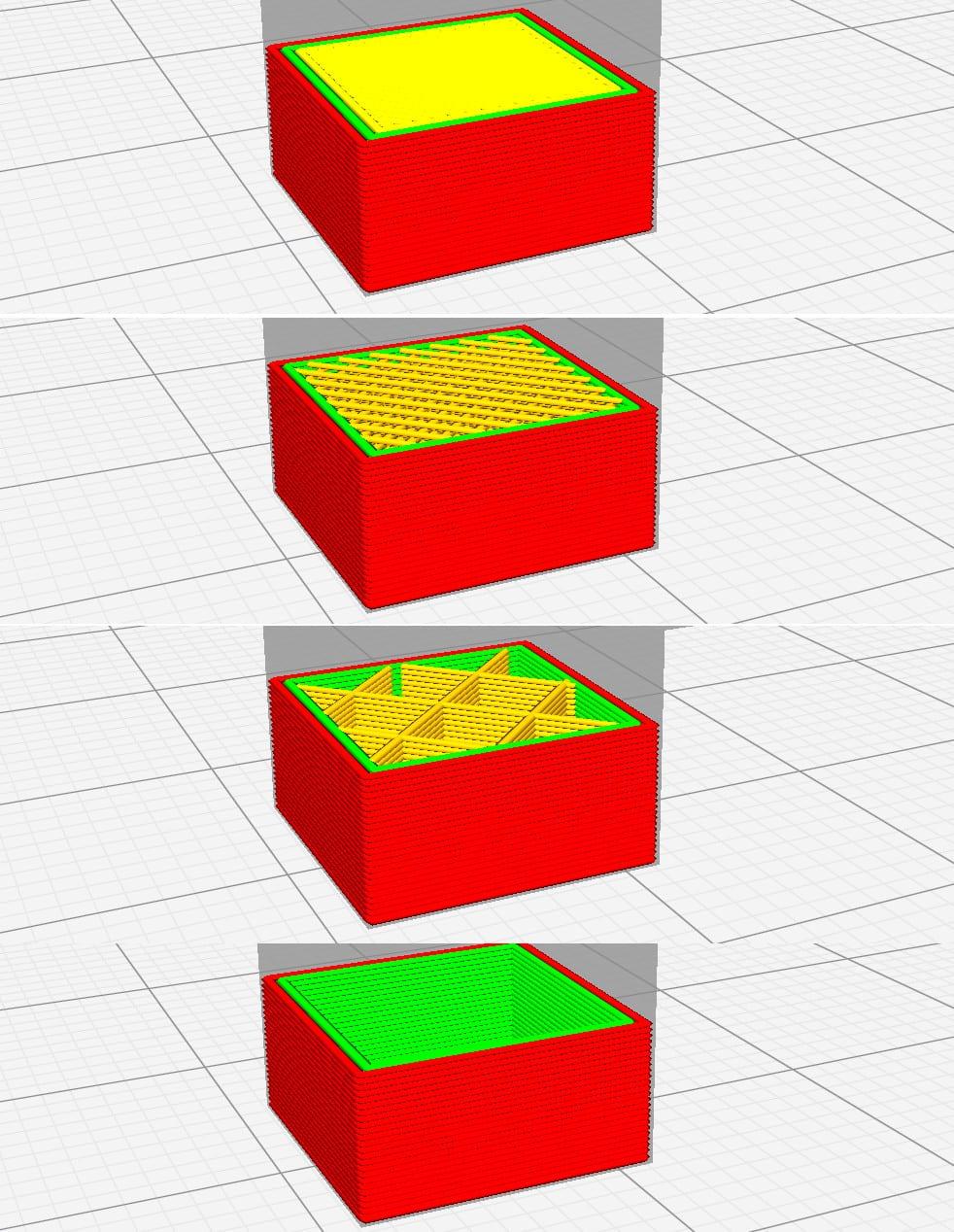
- - Infill percentage
- - Print speed
- - Support structures
3. Your First Print
Most printers include a test file. Print it first! Then try these beginner-friendly models to build confidence:
Tests dimensional accuracy
The classic 3D print benchmark
One continuous spiral print
4. Basic Troubleshooting
Every beginner encounters these common issues. Knowing how to fix them saves frustration:
Intermediate Tutorials: Level Up Your Skills
Once you've mastered the basics, these skills will dramatically improve your results:
Understanding Supports and Orientation
How you orient a model affects print quality, strength, and support requirements. Master this and you'll get better prints with less material waste.
- - Place critical surfaces facing up (away from supports)
- - Minimize overhangs beyond 45 degrees
- - Consider layer lines for strength (perpendicular to stress)
- - Reduce support contact with visible surfaces
Material Selection Guide
Different materials have different properties. Choosing the right one for your application is crucial:
| Material | Strength | Flexibility | Best For |
|---|---|---|---|
| PLA | Medium | Low | Decorative, prototypes |
| PETG | High | Medium | Functional parts |
| ABS | High | Medium | Heat-resistant parts |
| TPU | Medium | Very High | Flexible parts, grips |
| Nylon | Very High | Medium | Gears, hinges, wear parts |
Calibration Deep Dive
Proper calibration unlocks your printer's full potential:
Ensures accurate material extrusion
Fine-tune for each material
Find optimal printing temperature
Eliminate stringing
Improve corner quality
Reduce ringing at high speeds
Advanced Tutorials: Expert Techniques
Take your skills to the professional level with these advanced techniques:
Multi-Material Printing
Print with multiple colors or materials in a single model. Requires AMS systems or tool-changing printers. Learn purge tower management and material compatibility.
Post-Processing Mastery
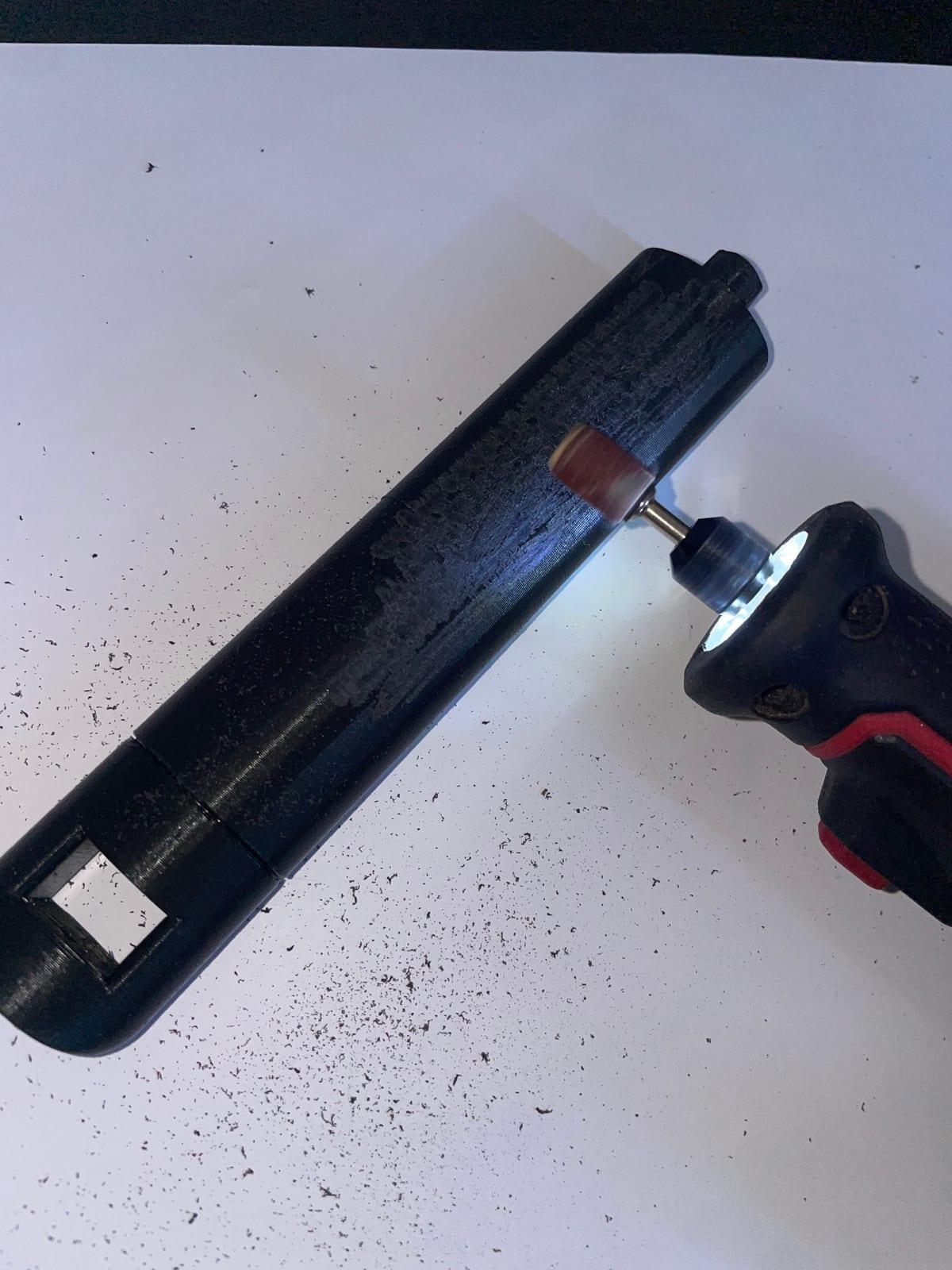
Sanding, priming, painting, vapor smoothing, electroplating. Transform raw prints into professional-looking finished products.
Designing for 3D Printing
Learn CAD software (Fusion 360, Blender, FreeCAD). Understand design constraints like minimum wall thickness, bridging limits, and snap-fit tolerances.
Resin Printing
Master a different technology entirely. SLA/MSLA printing offers incredible detail but requires learning about supports, exposure settings, and post-curing.
Firmware Customization
Flash Klipper, tune pressure advance, configure input shaping. Get maximum speed and quality through firmware optimization.
Running a Print Farm
Manage multiple printers, queue jobs efficiently, maintain consistent quality across machines. Scale from hobby to business.
Best Free 3D Printing Tutorial Resources
These creators and platforms offer excellent free tutorials:
YouTube Channels
Scientific testing and material analysis
Tutorials, reviews, and creative projects
Calibration guides and technical deep dives
Beginner-friendly Cura tutorials
In-depth reviews and industry coverage
Reviews, interviews, and community content
Websites & Platforms
Comprehensive guides and comparisons
Detailed documentation and tutorials
Community help and troubleshooting
Models with printing guides
Interactive Calibration Tools
teachingtechyt.github.io - Step-by-step calibration guide with test prints
Comprehensive tuning guide for Klipper users
Recommended Learning Path
Follow this progression for the smoothest learning experience:
Set up printer, run test prints, learn slicer fundamentals, basic troubleshooting
E-steps, flow rate, temperature tuning, retraction settings
Try PETG and TPU, learn material-specific settings, understand trade-offs
Supports, orientation, infill patterns, speed optimization
Choose your focus - CAD design, post-processing, resin, or production
Put Your Skills to Work
The best way to learn 3D printing is by doing. Once you've mastered the basics, challenge yourself with new projects. And when you're confident in your skills, consider turning your hobby into income.