3D Printer Rental Near Me: How to Actually Use One
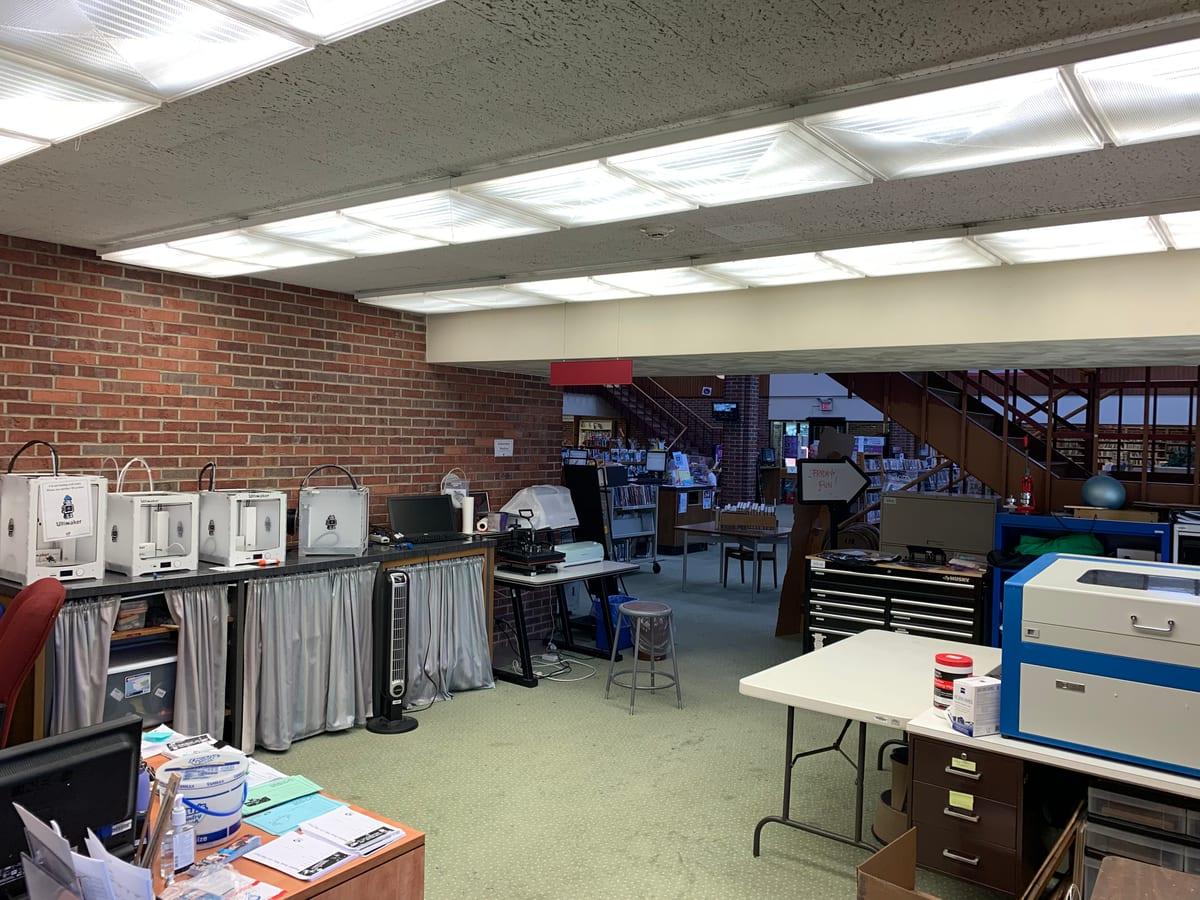
People search for "3D printer rental near me" expecting something like a tool library: walk in, pay for two hours on a machine, walk out with a part. That business barely exists. Search results fill up with print services, makerspace memberships and affiliate roundups, none of which are actually rental.
There are real options near you, and one of them is probably right for your job. But they are libraries, membership makerspaces and university labs, and each has an entry cost that the word "rental" hides. This page is about the practical business of actually using one: what each venue expects of you, what to ask before you drive over, what to bring, and how to get a usable part out of a machine you did not calibrate. If you have not yet decided whether shared access beats buying or commissioning, our rent, buy or commission breakdown runs that comparison with the break-even maths.
Can I rent a 3D printer near me, and what is actually involved in using one?
True by-the-hour rental is rare in the US. What you will find is a library makerspace, a membership makerspace or a university lab. Budget $1.50–7.50 in filament for a 30g part at a library, or $40–125 a month plus a $20–60 orientation class at a makerspace, and 3.5–10 hours of your own time on a first session.
Last verified: August 2026
Key takeaways
- •Consumer by-the-hour 3D printer rental is not a common US business. Public libraries, membership makerspaces and university labs are what the search term actually surfaces.
- •Public libraries typically charge for filament by weight, around $0.05-0.25 per gram, with a two to four hour cap per print and a multi-day queue.
- •Membership makerspaces in US metros run roughly $40-125 per month and nearly all require a paid orientation class, often $20-60, before you can touch a machine.
- •Every one of these options assumes you arrive with a print-ready STL or 3MF file. None of them will model a part for you.
- •Budget 3.5-10 hours of your own attention on a first session: orientation class, slicer setup, two trips to the branch, and one failed print. The queue is on top of that.
What "3D Printer Rental" Actually Means Near You
Five things share the search term, and they behave completely differently. Sorting out which one you are looking at saves the wasted trip.
| Venue | How you pay | The catch |
|---|---|---|
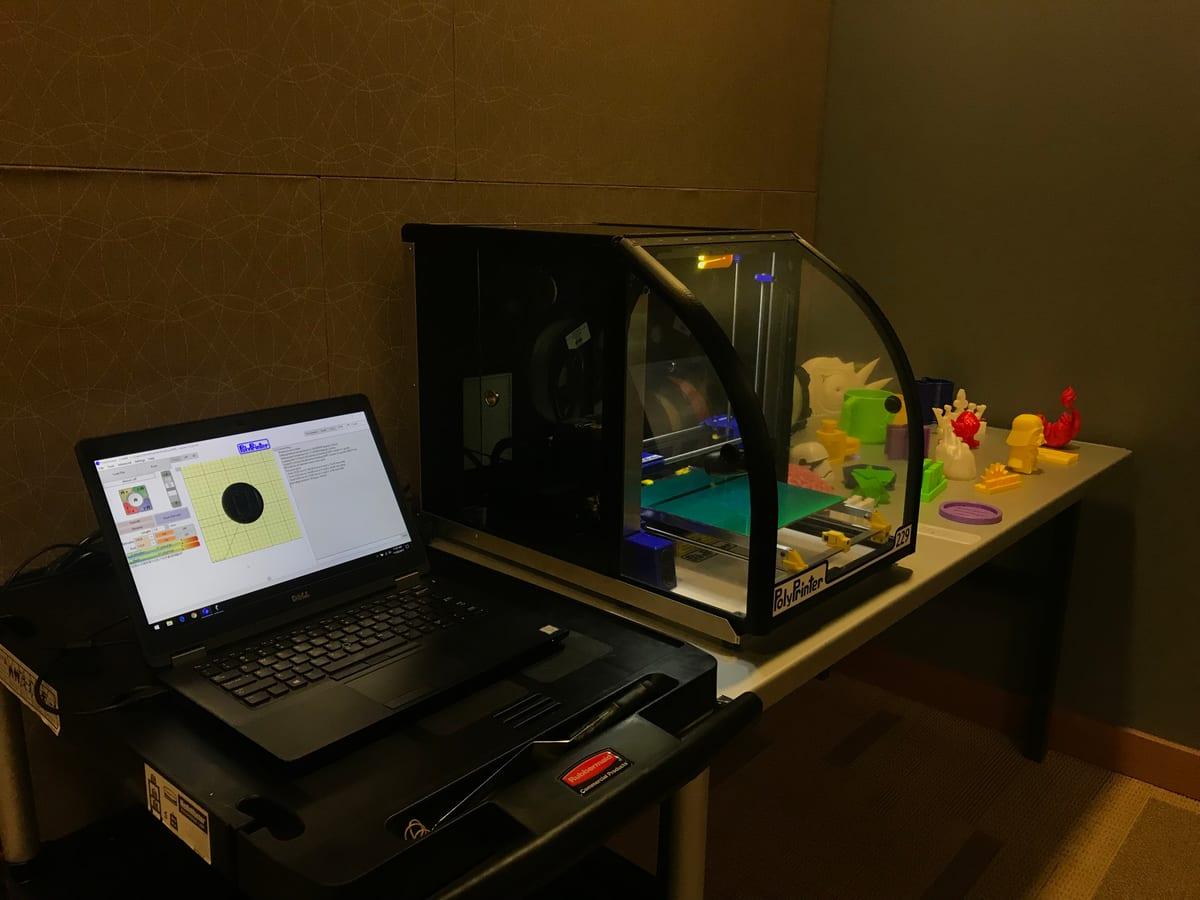
| Public library makerspace | Material fee by weight, commonly $0.05–0.25/g. Machine time usually free. | Per-print time caps of 2–4 hours, a queue of several days, and staff often run the job rather than letting you touch the printer. |
| Membership makerspace or hackerspace | Monthly membership, roughly $40–125 in US metros. Some sell day passes at $10–40. | Almost always a mandatory orientation or safety class first, typically $20–60 and scheduled once or twice a month. |
| University or college lab | Free or heavily subsidised material charge. | Restricted to enrolled students and staff at most institutions. Community access, where it exists, is usually through the public library instead. |
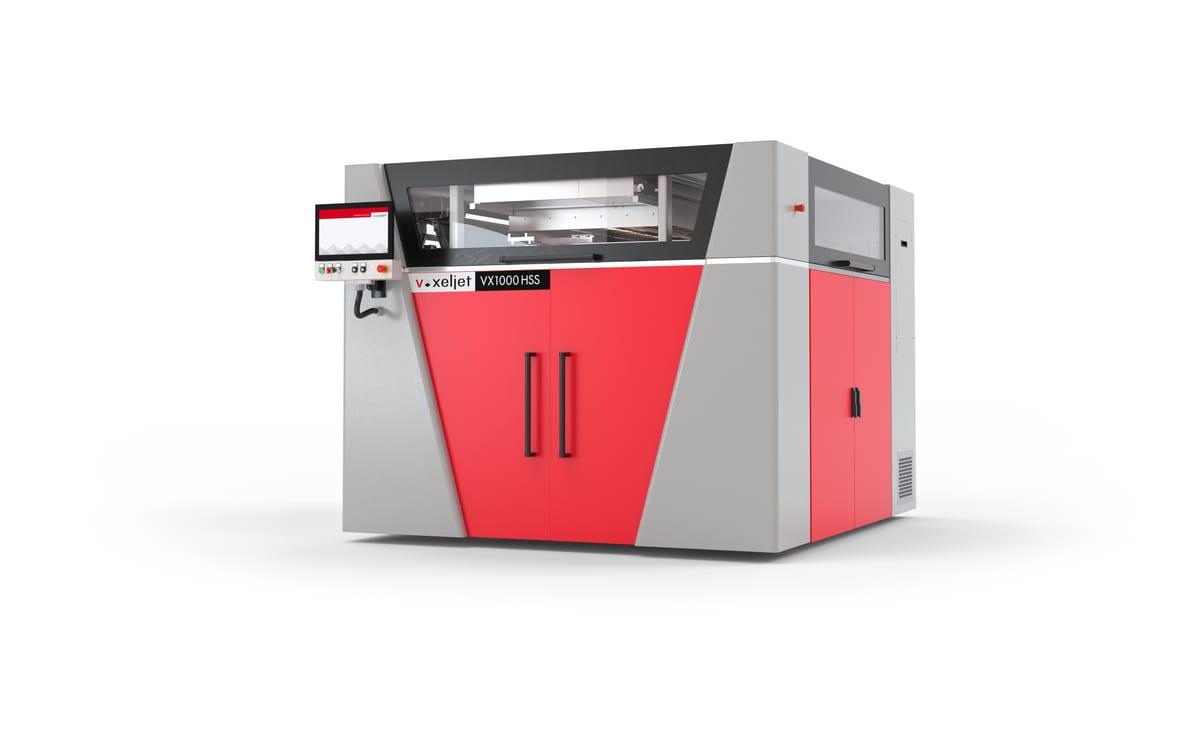
| Equipment rental listing | Daily or weekly rate, machine delivered or collected. | Genuinely rare for desktop FDM, and where it exists it is aimed at trade shows and classrooms. You still have to calibrate an unfamiliar machine on day one. |
| Print service or marketplace | Per part, quoted from your file or description. | Not rental at all. Someone else runs the machine, which for a single part is usually the point. |
The Cost of Getting Through the Door
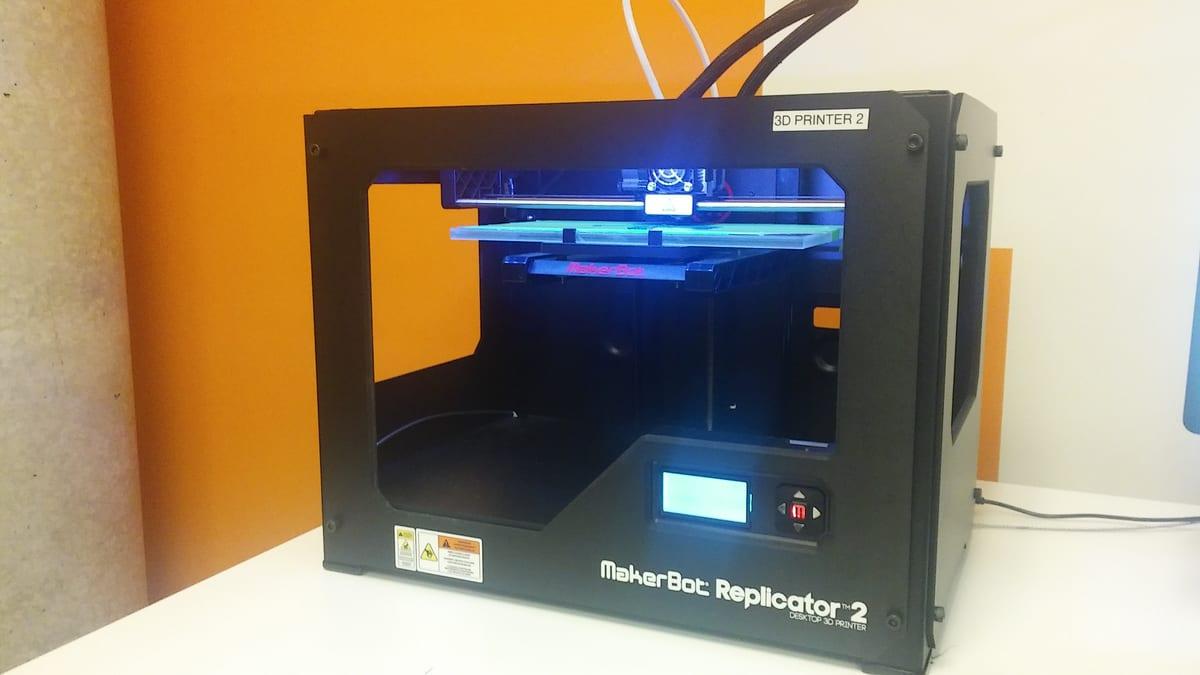
Almost none of these venues charge you for the printer. They charge you for access, and the entry fee is the part that catches people out. A library will hand you a part for the price of the filament; a makerspace wants a class and a month of membership before you touch anything.
What access costs before you print anything
A library charges only the filament, which is $1.50-7.50 for a 30g part. A makerspace charges $40-125 a month plus a $20-60 orientation class, and both are due before your first print starts.
| item | Typical low | Typical high |
|---|---|---|
| Library material fee, 30g part | $1.5 | $7.5 |
| Makerspace day pass | $10 | $40 |
| Orientation / safety class | $20 | $60 |
| Makerspace membership, monthly | $40 | $125 |
Source: Ranges compiled from published US public-library and makerspace fee schedules, August 2026. Library and makerspace pricing is set locally, so treat these as typical rather than exact.
The bigger cost is your own time, which nobody prices. Below is where a first session actually goes. It excludes the print itself and the multi-day queue, because those cost you calendar rather than attention.
Where the hours go in a first shared-machine session
Orientation, slicer setup, two trips to the branch and one failed print add up to 3.5-10 hours of your own attention before you are holding a usable part. That overhead is paid once, which is why shared access suits people who will come back rather than people printing one thing.
| step | Hours (low) | Hours (high) |
|---|---|---|
| Orientation or safety class | 1 | 2 |
| Slicer setup and file prep | 0.5 | 2 |
| Travel, two branch visits | 1 | 3 |
| Reprint after a failed attempt | 1 | 3 |
Source: Estimated ranges based on typical orientation-class length, slicer setup for a first-time user, two branch visits, and one failed first print. Presented as ranges because first-print failure rates vary; August 2026.
The Thing Rental Does Not Solve: You Need a File
Every rental, library and makerspace arrangement starts from the same assumption: you walk in with a print-ready STL or 3MF. None of them will model a part for you, and the staff running a library printer are not going to reverse-engineer your broken bracket.
This matters because of what people actually want printed. If your search started with a snapped appliance clip, a discontinued knob or a case for a board you designed, the modelling is 80% of the job and the printing is 20%. Renting a machine buys you the easy part. Our guide to getting replacement parts 3D printed covers what to send when no model exists yet.
If you do already have a file, the calculus flips and a library or makerspace is a genuinely good deal. If you are not sure whether the file you downloaded is printable, preparing a 3D model for printing walks through the checks that fail most often.
Getting a Good Part Out of a Machine You Did Not Tune
The single biggest difference between a shared machine and your own is that you did not calibrate it and you will not get a second attempt this week. Four habits that survive that constraint:
Design for the machine you will find, not the one you want. Assume PLA, a 0.4mm nozzle and 0.2mm layers. Avoid unsupported overhangs past about 45 degrees, avoid features thinner than 0.8mm, and add a fillet anywhere a thin section meets a thick one. A part that needs a tuned printer will fail on an untuned one.
Split anything that will not finish inside the time cap. Two to four hours is the common ceiling, so a tall part is better printed as two halves with a registration pin and glued. Two three-hour jobs clear a queue that one six-hour job never will.
Bring the file in more than one format. STL and 3MF cover most venues. If they want G-code sliced for their exact machine, you need their slicer profile before you leave home, and that is a phone call, not a guess.
Print the fit feature first, on its own. If one hole has to fit a 12mm shaft, print a 20mm test coupon containing just that hole before you commit three hours to the whole part. It costs pennies and it is the only way to learn a strange machine's dimensional bias inside one visit.
If you have not settled whether shared access is even the right route for you, our rent, buy or commission breakdown runs the break-even maths, and our buy a printer or use a service guide covers the ownership side. This page assumes you have decided to use somebody else's machine.
Five Questions to Ask Before You Drive Over
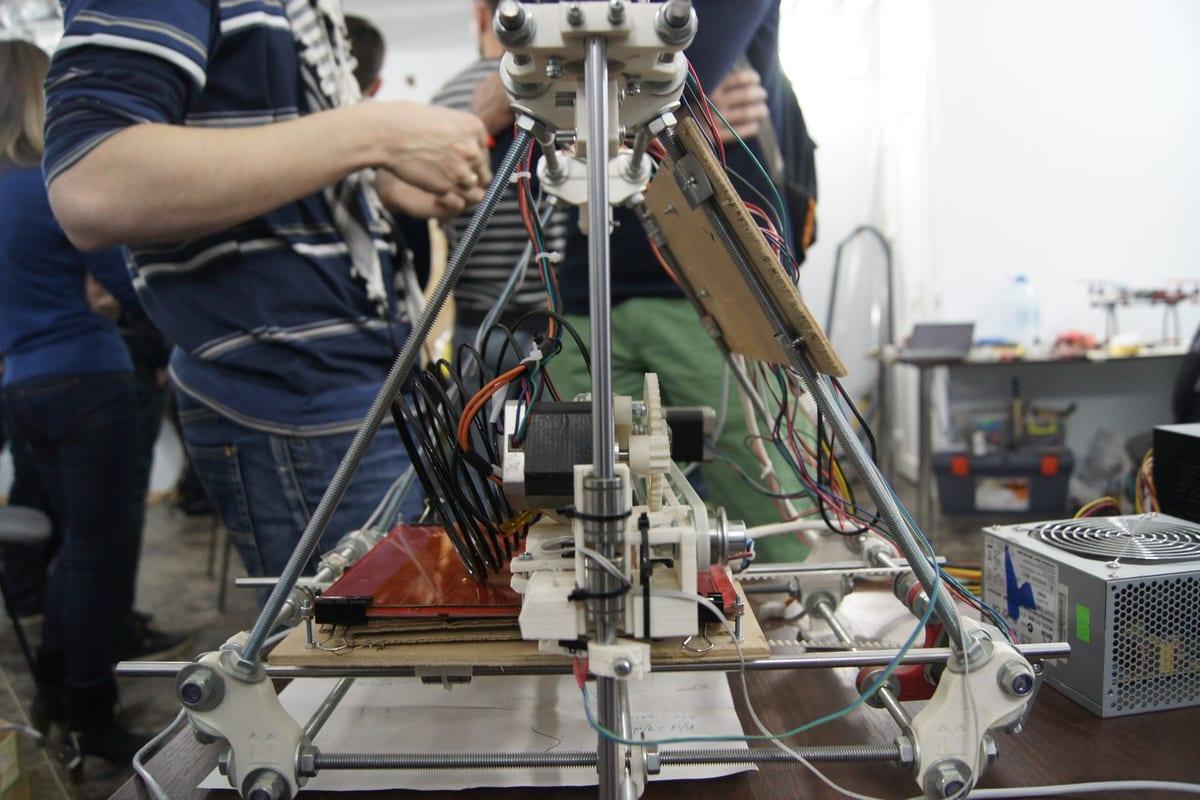
Call first. Every one of these has sent someone home empty-handed, and all five take under two minutes to ask.
- What is the current queue? Library printers are frequently booked out several days, and a two-day wait changes which option you should pick.
- Is there a maximum print time per job? Two to four hour caps are common, which quietly rules out anything larger than a fist.
- Do I run the machine, or does staff? Staff-run means you email a file and collect it later. That is a print service, not rental, and it should change your expectations about iterating.
- Which materials are on the shelf? Most shared machines run PLA only. If your part lives in a car, a dishwasher or outdoors, PLA is the wrong answer and you need somewhere that stocks PETG or ASA.
- What file formats do you accept? Some accept only STL, some want a sliced G-code file for their exact machine, which means you need their slicer profile before you arrive.
Or Skip the Machine Entirely
For a single part, the fastest route is to describe what you need and let someone who already owns a calibrated printer handle it. A small one-off part typically runs $20–60 including materials and shipping, which is no more than the $60–185 a makerspace charges in first-month membership and orientation before you touch a machine, and without the queue or the failed first attempt.
You can sanity-check the material side yourself with our 3D printing cost calculator, and see who is printing in your area on our 3D printing near me page. Local matters less than people expect for small parts, since a 200g package ships for a few dollars, but it matters a lot if you need someone to physically hold your broken component while measuring it.
Frequently asked questions
Can you actually rent a 3D printer near you?
By-the-hour consumer 3D printer rental is rare in the US. What almost every search for it turns up instead is a public library makerspace, a membership makerspace or a university lab. Libraries usually charge for filament only, at roughly $0.05-0.25 per gram; membership makerspaces run about $40-125 per month plus a $20-60 orientation class. All of them expect you to arrive with a print-ready file and to work around a per-job time cap of two to four hours.
How much does a library charge to 3D print something?
Most US public libraries that offer 3D printing charge by material weight rather than machine time, commonly in the $0.05-0.25 per gram range, with a per-print time cap of two to four hours and a queue measured in days. A 30g part therefore costs about $1.50-7.50 in materials plus two trips to the branch.
What should I bring to a library or makerspace 3D printing session?
A print-ready STL or 3MF on a USB stick, plus a backup copy in cloud storage because branch computers block plenty of file-sharing sites. Bring the exact dimensions your part has to hit, calipers if you own them, and the machine model you are printing on if you sliced at home, because a G-code file sliced for the wrong printer will not run. Some venues supply filament and some expect you to bring your own spool, so confirm which before you travel.
Do I need my own 3D model file to use a rented printer?
Yes. Every rental, library and makerspace arrangement assumes you arrive with a print-ready STL or 3MF file. None of them will model a part for you. If you only have a broken component and a photo, renting a machine solves nothing, because the modelling is the hard part, not the printing.
How long does a library take to 3D print something?
Plan on days, not hours. The print itself is usually two to four hours because of the per-job time cap, but you are joining a queue that commonly runs several days and can stretch to two weeks during school project season. Budget two trips to the branch, one to submit and one to collect, and ask what the current queue looks like before you drive over rather than after.
Get It Printed Without Renting Anything
Describe the part, add photos and any file you have, and makers bid on it. Your payment sits in escrow until you have seen photos of the finished part and approved them, so a bad print is not your problem to eat.